

Client sign in Talk to a specialist
MenuClose
What we do
Who we serve
Our work
Insights
About
Careers
Talk to a specialist connect@tracarta.in · +91 98106 81799
Home/Client centre
Client centre

Everything you need, as a client.

Sign in to Clarion, send this month’s files, find a report or reach your team. All in one place.

Support: Monday to Friday, 9:30 am to 6:30 pmsupport@tracarta.com · +91 98106 81799
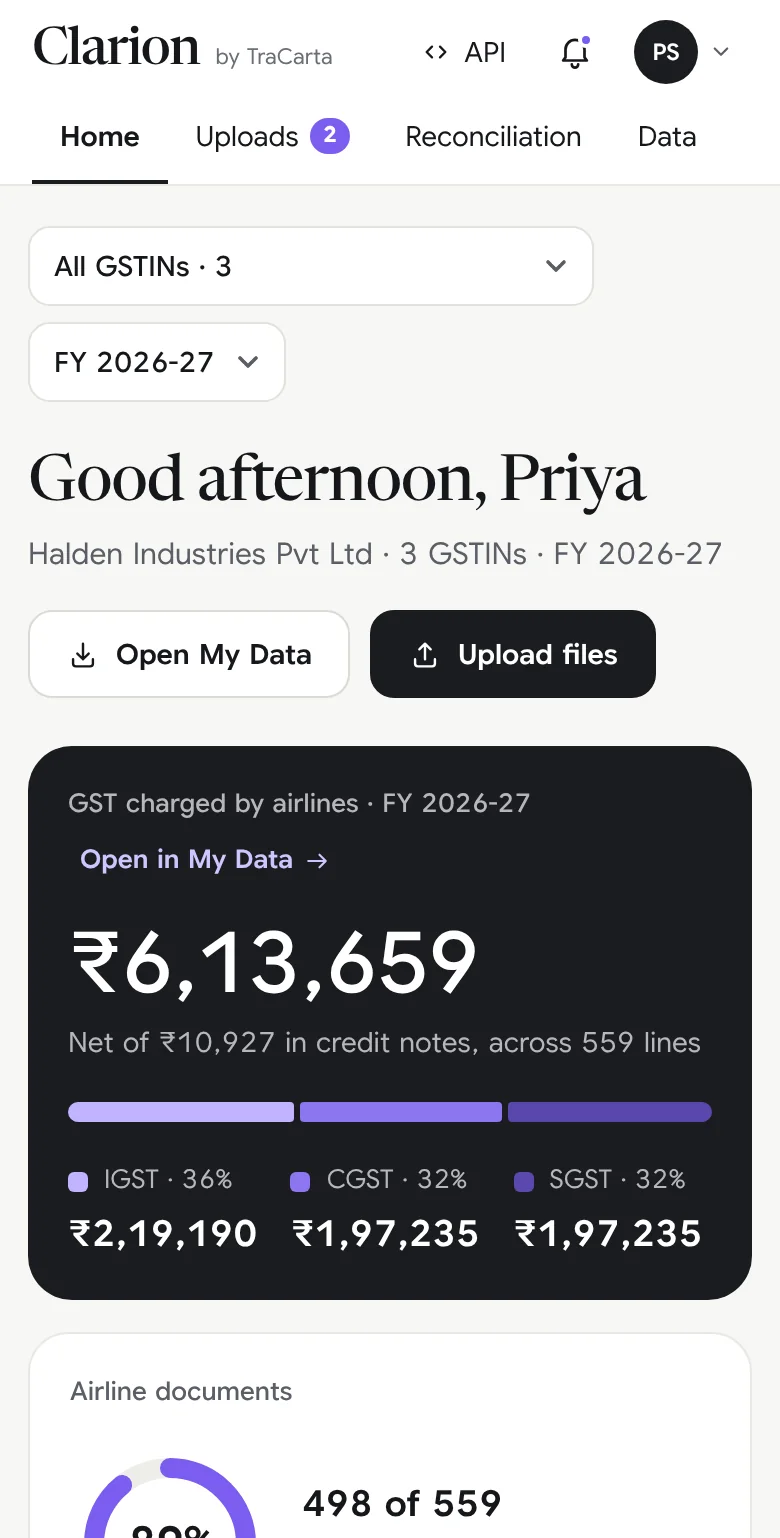
Clarion Home on a phone, with sample data
What to send us

Four things. Two of them, every month.

Everything goes through My Uploads in Clarion. You can watch each upload move from Received to Done.

ReceivedBeing processedDone
Every monthYour booking statementLast month’s flight and hotel bookings, in whatever format your travel agency or travel desk gives you. No templates and no sorting by company or month: we do that.
Every monthYour GSTR-2BIf you have it to hand, send your GSTR-2B for each GSTIN. If an Input Service Distributor registration applies, your GSTR-6A too.
OnceYour PAN and TANA copy of your PAN card and your TAN, once, when we set up your account. Your Client Admin can update them later in Clarion.
AnytimeAnything elseRefund lists, missing credit notes, a note for your specialist. Upload it in Clarion and tell us what it is for.
Support

The right person, first time.

Real people, who know your account. No ticket numbers to quote.

Clarion and day-to-day helpsupport@tracarta.com+91 98106 81799Monday to Friday, 9:30 am to 6:30 pm
Your named specialistYour first call for anything about your statementIntroduced when your engagement startsA regular call to walk through your statement
A partnerconnect@tracarta.in+91 98106 81799A partner replies within one business day
Privacy and your datashefali.kapoor@tracarta.inShefali Kapoor, Grievance OfficerUnder India’s privacy law
Client questions

Quick answers.

More in Clarion, under Help.

Do I need to tell you which company or month a file is for?

No. Just upload it. TraCarta’s team sorts every file by company, GSTIN and month.

Why is a line still waiting for a document?

We collect invoices and credit notes from the airlines, and some take longer than others. The document appears in Clarion on its own once it is in.

Which month does a line belong to?

The month of the airline invoice date, not the travel date.

How do I add a colleague?

Your Client Admin can invite team members from Team in Clarion’s settings, and choose which companies each person can see.

Where is our older data?

Your history, back to FY 2018-19, is in Clarion: every line, document and report.

Can we connect Clarion to our ERP?

Yes. Clarion has a read-only API with keys you control. See the API documentation.

How is our data protected?

Every sign-in needs a password and a one-time code, and each client sees only its own data. See Security and trust for the detail.

Ready when you are.Your data, documents and reports are waiting in Clarion.